← All work

Service businesses·2026

Client Journey Automation

Client journeys for service businesses, drawn on a visual canvas and run by a server engine that reacts to real business events and refuses any step it cannot prove is safe to repeat.

Client
NewBranch (in-house platform)
Role
Architecture, design, engineering
Sector
Service businesses
Status
Builder live, messaging gated off
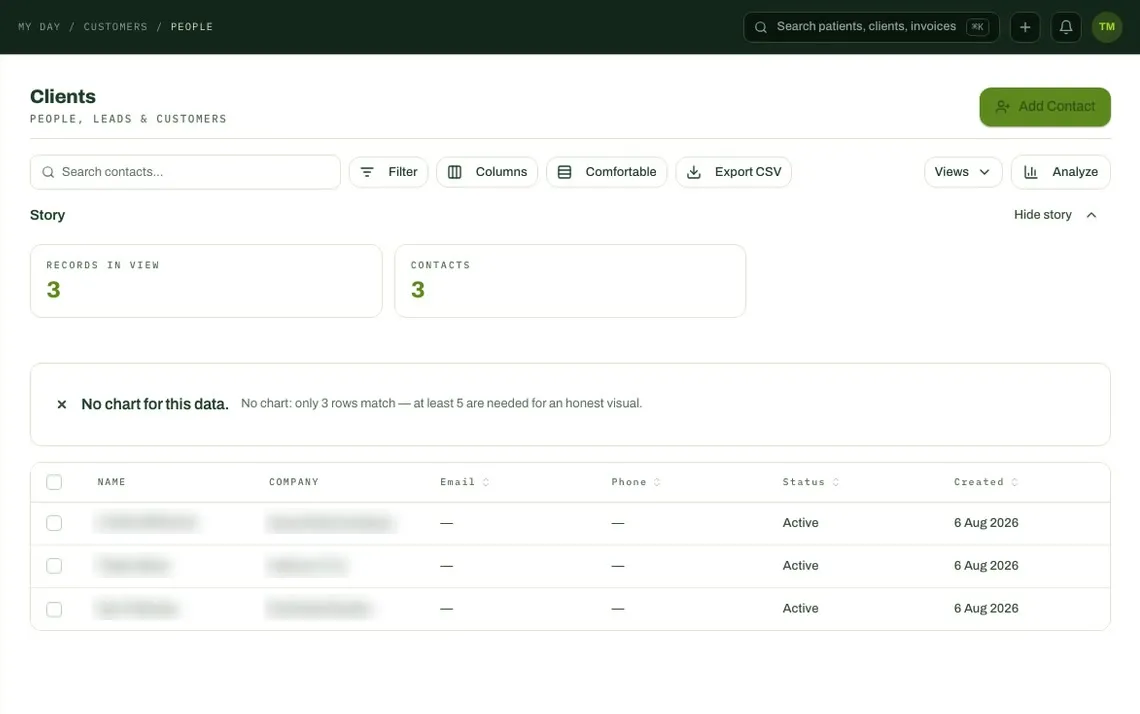
Client records in NewBranch

The challenge

Service businesses lose time and cash between the steps of a client relationship. Automating those steps only helps if it is reliable. A reminder sent twice, or an event that silently disappears, does more harm to a client relationship than no automation at all.

Our approach

Journeys are drawn on a canvas, saved through one checked server command and triggered by durable business events. Any action that cannot yet be retried safely stays in draft. Today that means one action, creating a task, runs live while messaging waits.

In brief

6

conditions an action must meet before it may run live

1

action cleared so far: creating a task, all or nothing

0

journeys with cycles, orphan steps or half-built branches that can go live

What it does

A journey is a trigger, some decisions, some waits and an exit.

A team builds a journey on a drag-and-drop canvas. It starts from a business event: an invoice created, sent or overdue, a payment received, a new or dormant client, a contact or company created, a deal moving stage, or a case opened or resolved. It can also be started by hand. Conditions branch on fields from the client's record, including custom fields, and delays can be set relative to a date on the record, so a step can run a set time before or after it.

The palette shows every action the product plans to support, including email, SMS, WhatsApp, social posts and webhooks. Actions that are not yet cleared to run are visible but cannot be dragged onto the canvas, and a journey that already contains one stays paused with a banner that explains why.
  1. 01TriggerA business event or a manual start
  2. 02ConditionBranches true or false on a record field
  3. 03DelayMinutes to weeks, or relative to a date
  4. 04ActionRuns only if cleared as safe to repeat
  5. 05ExitEnds the client's run
The building blocks of a journey. Every journey has exactly one trigger and at least one exit.

Events

Triggered by events that cannot be lost.

The first version passed events from the browser to the journey engine on a best-effort basis. If anything failed along the way, the event was gone. CRM events now go through a transactional outbox: the event is written in the same database transaction as the change that caused it, and delivery to each consumer is tracked separately. A relay claims pending rows, retries with exponential back-off and sets aside anything that keeps failing.

The journey engine records every event it has processed and skips repeats, so a re-delivered event cannot enrol a client twice. It also skips a client who is already active in the same journey. Invoice, payment and case events still use the older path, and moving them across is a separate, planned step.

  1. 01Change savedA client or deal record changes
  2. 02Event writtenIn the same database transaction
  3. 03Relay deliversPer consumer, with back-off
  4. 04Engine checksRepeats and duplicate runs skipped
  5. 05Journey runsOne run per client per journey
The durable path for CRM events. Invoice, payment and case events still use the older path.

Safe to repeat

An action runs live only when a retry cannot do harm.

Distributed systems retry. A crash halfway through sending a message leaves a choice between sending again and risking a duplicate, or not sending and risking silence. Having code for an action is not evidence that it is safe to retry, so the engine fails closed. An action is cleared only by a reviewed database change, never by the runtime itself, and only when it meets six conditions:

  • It claims the work under a lease before acting
  • It carries one idempotency key from start to finish
  • It records durable evidence of the outcome
  • It never advances the journey when the outcome is uncertain
  • It can recover safely if a lease expires mid-step
  • It handles only the data it needs
  1. 01Create taskLive
  2. 02EmailDraft only
  3. 03SMSDraft only
  4. 04WhatsAppDraft only
  5. 05WebhookBlocked at activation
  6. 06Social postBlocked at activation
Which actions can run live today.

First live action

Creating a task, in one transaction.

The first action to meet those conditions creates a task. It derives a stable attempt id from the journey run and the step, takes a short lease, and commits the claim, the task, the audit record and the move to the next step in a single transaction. A crash leaves all of it done or none of it. The scope is deliberately narrow: no role assignment, no template text and no urgent priority yet.

When the gate went in, live journeys that contained messaging steps were paused. The pause is recorded with a reason code only, never the message body, template or recipient.

Authoring

One command to save a journey, checked on the server.

Journeys used to be saved through many separate browser writes. A half-saved graph could be activated, and two people editing at once could overwrite each other. Now the browser cannot write to the journey tables at all. Every change goes through one versioned server command that checks the user's named permission to create, update or publish, rejects stale edits and is safe to retry. Each change commits its audit record in the same transaction.

Before a journey can go live, the server checks its shape: one trigger and at least one exit, a true and a false branch on every condition, no orphan steps, no cycles, bounded size, only enabled channels, and message templates that belong to the same organisation.

Collections

Overdue invoices change what a client receives.

When finance marks an invoice overdue, the event reaches the backbone. A versioned collections policy creates a task, enrols the account in a collections journey and escalates to the account owner. While the risk is active, marketing messages to that client are held, while transactional and collections messages remain allowed. When the account is paid up, the holds are released and the collections run ends.

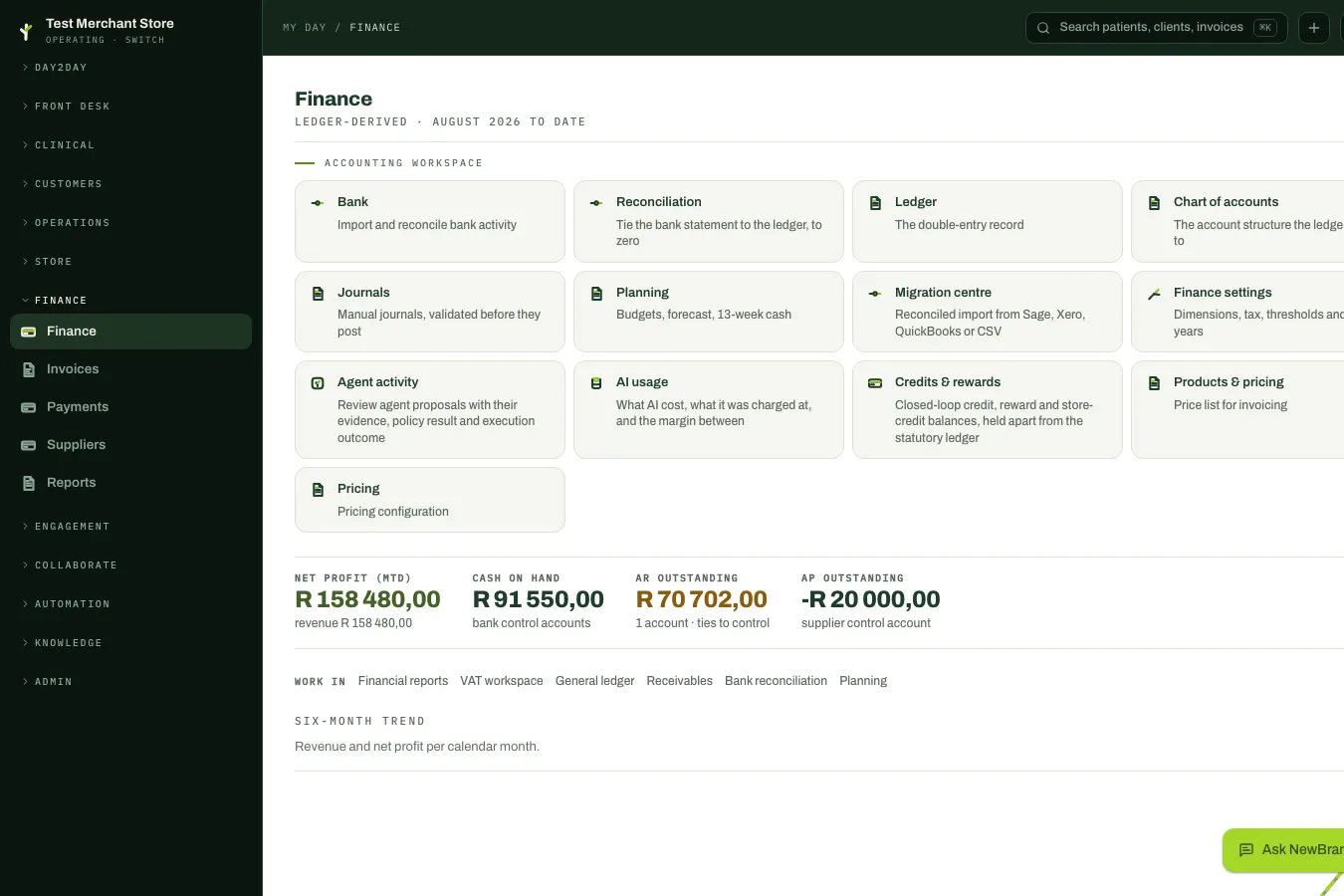
Finance overview with invoices and payments
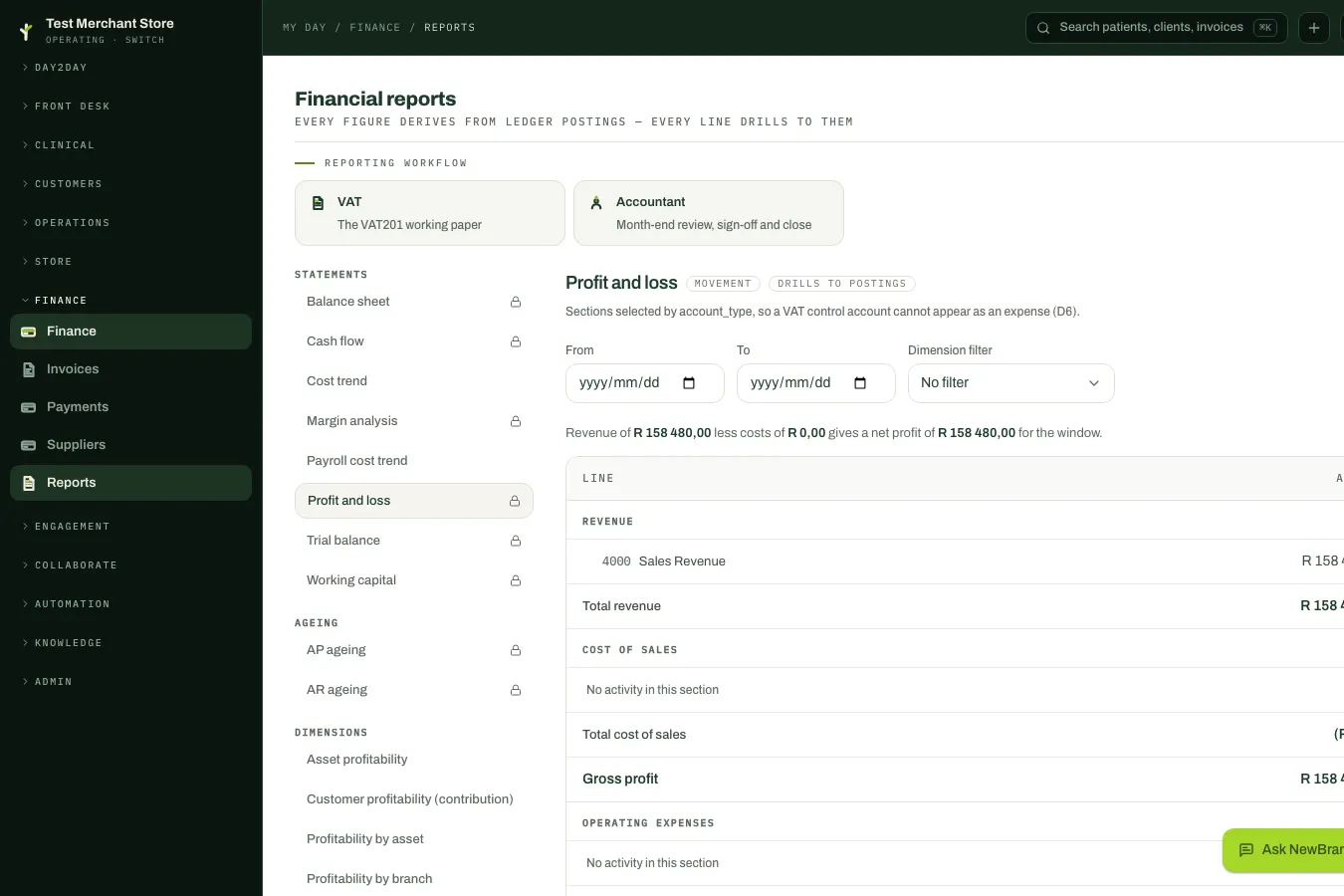
Financial reports

Key decisions

What we chose, why, and what it cost us.

  1. 01

    Run journeys on server functions and the database, without a workflow engine or message broker.

    Why

    No current journey justified the cost of operating a dedicated workflow platform.

    Trade-off

    Durability has to be designed into each operation, with idempotency, retries, timeouts, permanent-failure handling and recovery built step by step.

  2. 02

    Replace the best-effort event path with a transactional outbox.

    Why

    The old path could lose events, and the event log was built for observation, not delivery.

    Trade-off

    More moving parts, a small delay through the relay, every consumer has to be idempotent, and there is no global ordering of events.

  3. 03

    Move CRM events to the outbox first, behind a flag, and leave the rest alone.

    Why

    Switching everything at once risked enrolling clients twice or breaking journeys that already worked.

    Trade-off

    Two dispatch paths run side by side until invoice, payment and case events move across.

  4. 04

    Block every action that cannot prove it is safe to retry, including messaging.

    Why

    A duplicate invoice reminder or a lost payment confirmation damages trust with a client. The gate makes the safe behaviour the default.

    Trade-off

    Email, SMS and WhatsApp steps are draft-only today, and existing journeys that used them were paused.

  5. 05

    Retire the in-browser test button instead of patching it.

    Why

    It called the production engine, which can create real runs and tasks. Letting a browser session satisfy that boundary would have turned a preview button into production authority.

    Trade-off

    There is no customer-facing preview today. Simulation returns only as a tenant-bound, permissioned command that is rate-limited, audited and guaranteed to have no side effects.

  6. 06

    Save each journey through one versioned command instead of many direct writes.

    Why

    Partial graphs could be activated and concurrent edits overwrote each other.

    Trade-off

    Every change, including a rollback, goes forward through the command as a new version rather than an undo.

Where it stands

The canvas, the event-driven engine, server-side validation and live task creation are in place inside NewBranch OS. Email, SMS and WhatsApp steps, webhooks, accounting integrations with Xero, QuickBooks and Sage, and payment collection are not live yet. Collections enrolment works; running every step of a collections journey end to end is still being proven.

What we would do next

  • 01

    Clear messaging steps through the same gate, with an idempotency key carried to the provider and the outcome recorded before the journey moves on.

  • 02

    Move invoice, payment and case events onto the outbox so every trigger is durable.

  • 03

    Prove that collections journeys advance step by step after enrolment, not just enrol.

  • 04

    Bring back a preview that runs against bounded snapshots with no side effects.

  • 05

    Align the delay settings between the builder and the engine, and support the remaining condition types.

  • 06

    Build the planned Xero, QuickBooks and Sage connections, which today exist only as a data design and a settings card.

Written from NewBranch's event and workflow architecture decision records, the journey runtime capability gate, the builder and operations control reviews, and a check of the engine's code. Where the older product documents claim more than the code does, this page follows the code.